Seasonal product launches
Prepare calendar campaigns with reusable layouts, cover options, image slots, and product rules.
Product app
Run seasonal calendar campaigns through store plugins, with personalized dates, photos, previews, and print-ready order output.
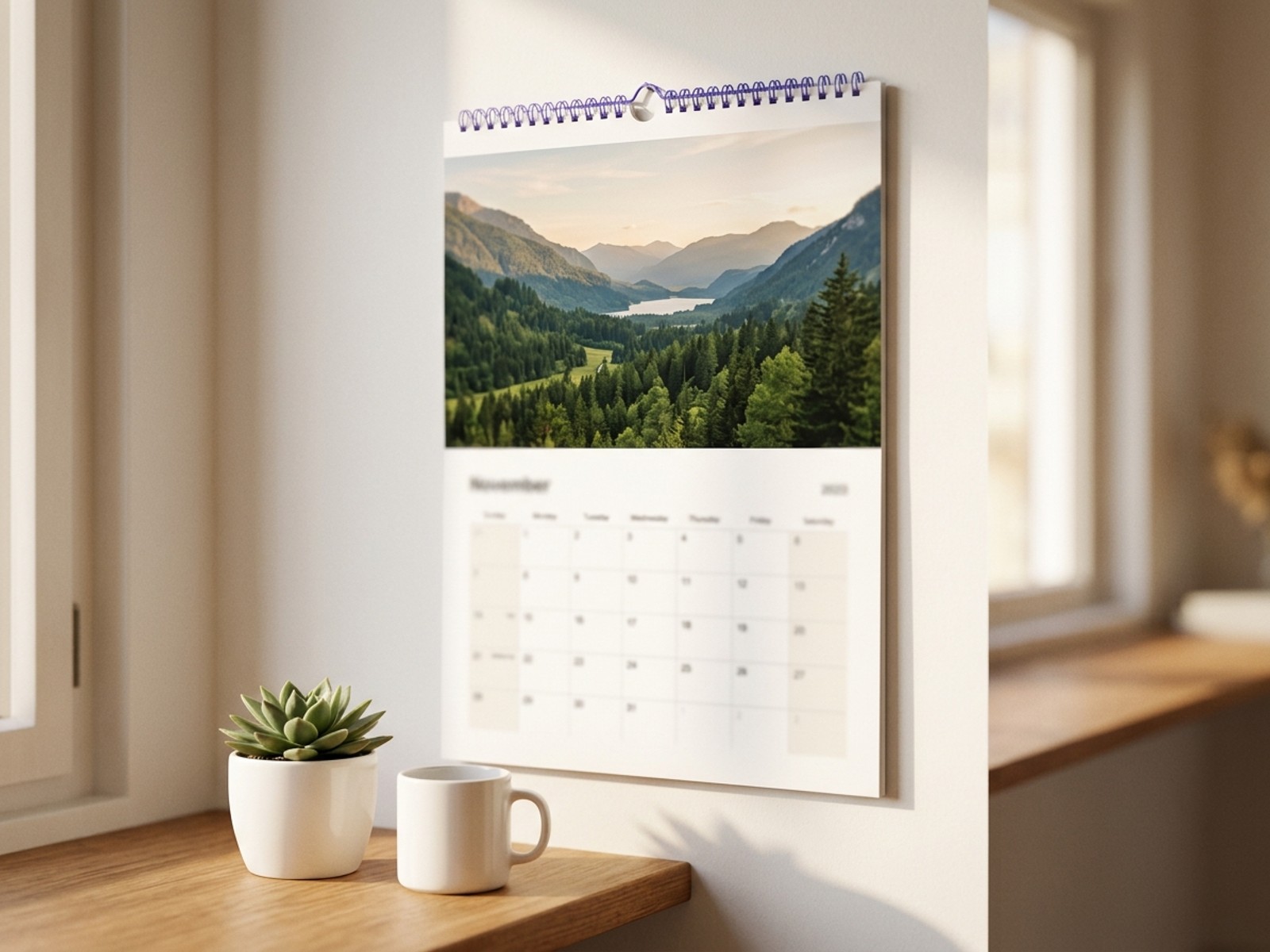 Calendar campaign Photos, dates, events
 Publish the same product flow through a store plugin first, then send clean order data back to production.
Prepare calendar campaigns with reusable layouts, cover options, image slots, and product rules.
Support holiday and event localization so calendars feel relevant for each market or audience.
Let customers add photos and personalize calendar pages while staying within approved design constraints.
Calendar Designer is a no-code configurator for seasonal and personalized calendar products. Customers add photos, dates, events, and localized content, then submit orders with print-ready output for production.
Turn recurring calendar campaigns into a repeatable setup with templates, localized dates, customer previews, and production-ready files.
Select calendar design templates for events, promos, and personalized gifts.

Add birthdays, anniversaries, holidays, and custom events.

Customize content by language, holidays, and regional formats.
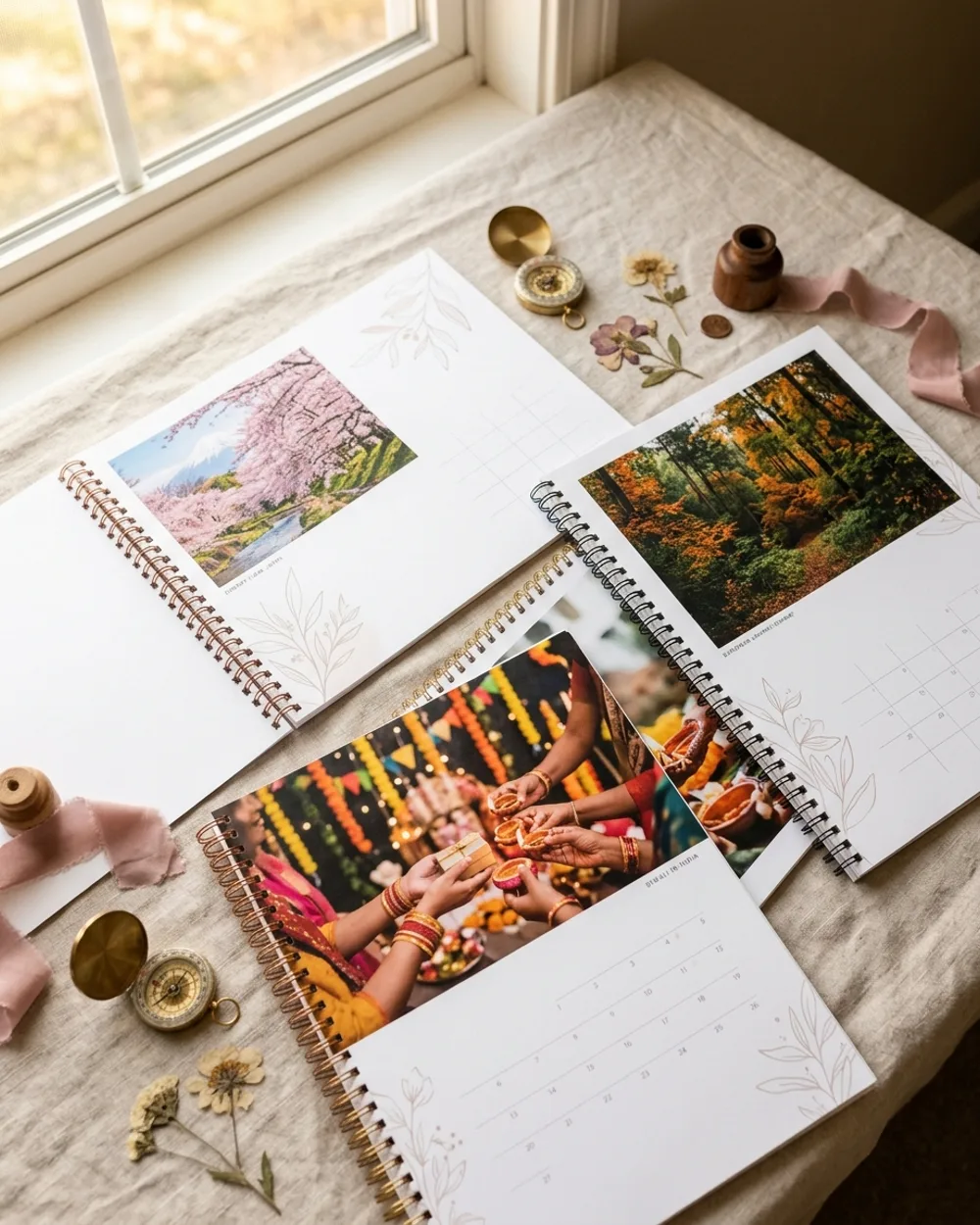
Customize photos, styles, clipart, covers, and personalized calendar pages.
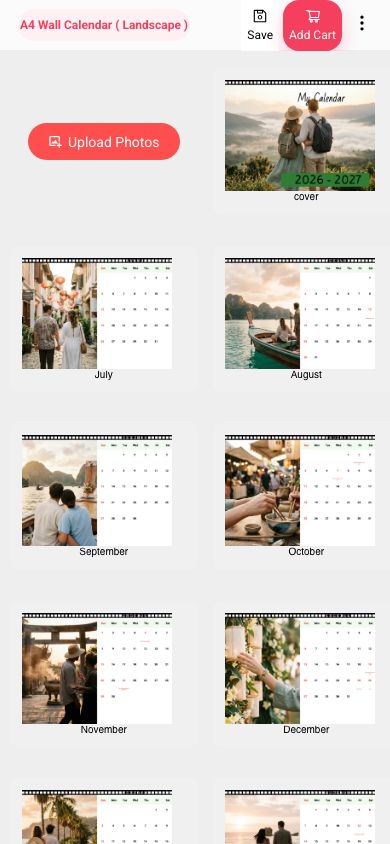
Create seasonal calendar campaigns using repeatable templates and product rules.
Generate files ready for professional calendar printing and fulfillment.
Start with a ready-made product setup, or let customers customize designs in the browser.
Best for: Designers, artists, authors, and brands selling promotional material, self-publishing books, or designed products on marketplaces like Amazon.
Best for: Photo products, personalized gifts, professional photography, yearbooks, and one-of-a-kind products.
Compare the full plan details on the pricing page when you are ready to choose.
Calendar campaigns with a focused seasonal catalog.
Growing catalogs that need branded customer experiences.
Teams managing more workflows, users, and order volume.
High-volume, multi-team, or custom integration needs.
Yes. It is useful for photo businesses, schools, creators, brands, and printers that sell personalized calendars with localized dates, holidays, events, photos, and repeatable seasonal templates.
Prepare calendar formats, page counts, localized holidays, event sets, cover layouts, image placeholders, template rules, and the campaign timeline so the product can go live before the buying season.
Yes. EzyCreate can launch around WordPress and WooCommerce first, with API-led workflows available by request and Shopify planned after billing and review requirements are ready.
EzyCreate can generate rendered, print-ready output based on the product setup. Depending on the product and output type, this can be JPG/JPEG or PDF, with the printable output size configured during setup. Multi-page or multi-surface orders can be downloaded as individual files or together as a ZIP.
Yes. Start with a demo or trial flow so your team can check the customer experience, product setup, and operator handoff before a full rollout.
Keep product pages focused on fit, pricing, integrations, and production outcomes. Use the Help Center for step-by-step setup, templates, storefront connection, order handling, and operator training.
Useful workflows, integrations, and setup resources for this product.
Start a workspace and see how Calendar Designer can support your next campaign.