Simple customer editing
Customers can upload, crop, position, and preview print designs before ordering.
Product app
Customers upload, crop, preview, and order in a fast mobile flow that can live inside WordPress, WooCommerce, or API-led stores.
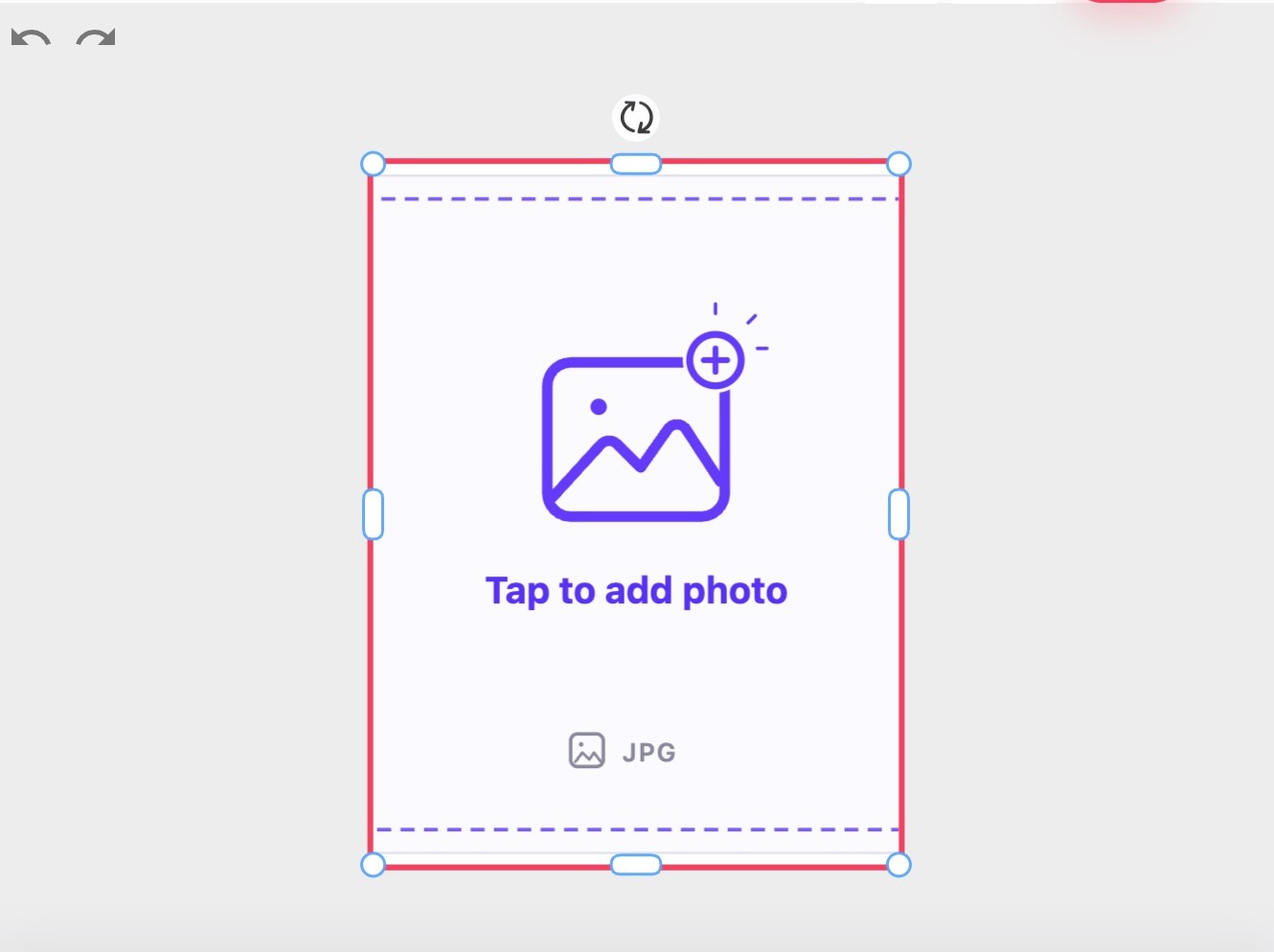 Print drop Upload, crop, preview
 Publish the same product flow through a store plugin first, then send clean order data back to production.
Customers can upload, crop, position, and preview print designs before ordering.
Support different sizes, surfaces, templates, and output requirements without custom development for every product.
Reduce manual corrections by collecting the right data and assets before an order enters production.
Print Designer is a browser-based configurator for selling personalized prints, posters, and artwork online. Customers upload, crop, position, preview, and order prints while your team receives cleaner production data.
Help customers complete print orders without back-and-forth artwork collection, manual resizing, or unclear production instructions.
Offer ready design templates for events, promos, gifts, photo prints, and art prints.

Allow customers to personalize designs with text, images, backgrounds, and creative elements.
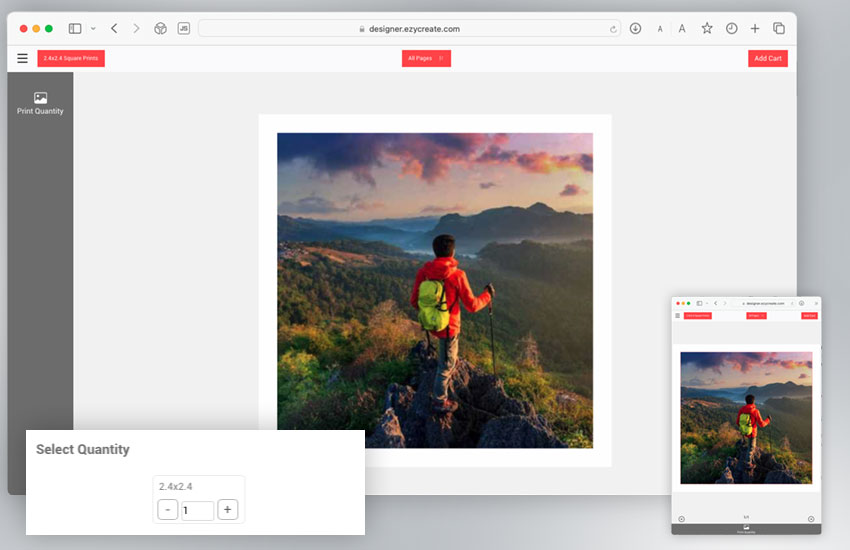
Create and customize from any device through a responsive web-to-print experience.
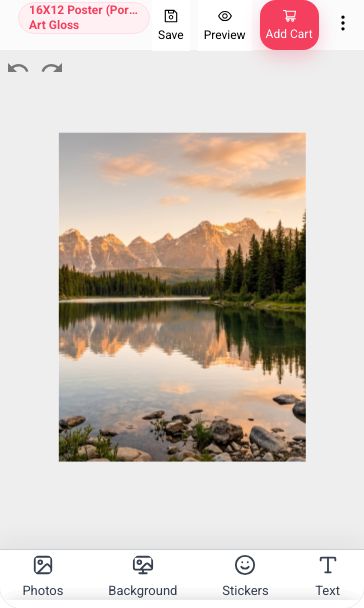
Every design is saved automatically as the customer works, and that saved artwork is what flows through to production.

Works with WordPress, Drupal, Shopify, WooCommerce, and custom stores.
Monitor design tool usage, conversions, and KPIs in real time.

Start with a ready-made product setup, or let customers customize designs in the browser.
Best for: Products where the design is mostly prepared in advance and customers can buy quickly.
Best for: Photo products, personalized gifts, professional photography, yearbooks, and one-of-a-kind products.
Compare the full plan details on the pricing page when you are ready to choose.
Simple print products and small catalogs.
Growing photo print or poster catalogs.
Teams managing more products and order volume.
High-volume print teams or custom integrations.
Yes. It works best when customers need to upload, crop, position, personalize, preview, and order prints online while your team receives cleaner files and order details for production.
Prepare your print sizes, surfaces, safe areas, image-quality rules, templates, pricing options, and the production output size you expect from each product setup.
Yes. EzyCreate can launch around WordPress and WooCommerce first, with API-led workflows available by request and Shopify planned after billing and review requirements are ready.
EzyCreate can generate rendered, print-ready output based on the product setup. Depending on the product and output type, this can be JPG/JPEG or PDF, with the printable output size configured during setup. Multi-page or multi-surface orders can be downloaded as individual files or together as a ZIP.
Yes. Start with a demo or trial flow so your team can check the customer experience, product setup, and operator handoff before a full rollout.
Keep product pages focused on fit, pricing, integrations, and production outcomes. Use the Help Center for step-by-step setup, templates, storefront connection, order handling, and operator training.
Useful workflows, integrations, and setup resources for this product.
Start a workspace and see how the Print Designer can simplify your print-on-demand workflow.