Guided book design
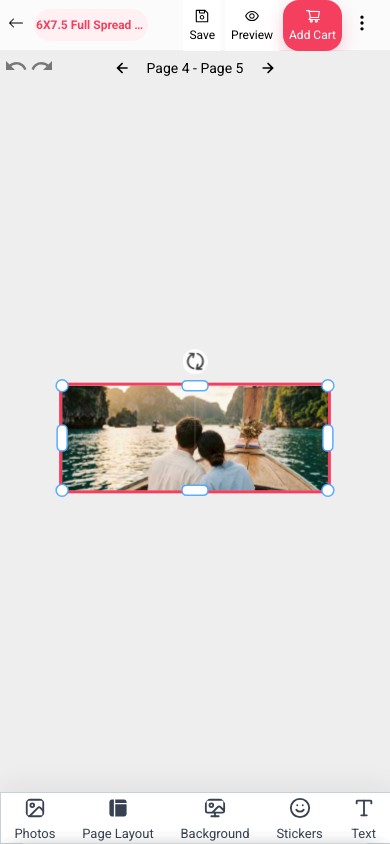
Customers can add photos, arrange spreads, preview pages, and personalize layouts in a focused editor.
Product app
Let customers build albums on mobile, then order through a WordPress plugin, WooCommerce flow, or API integration.
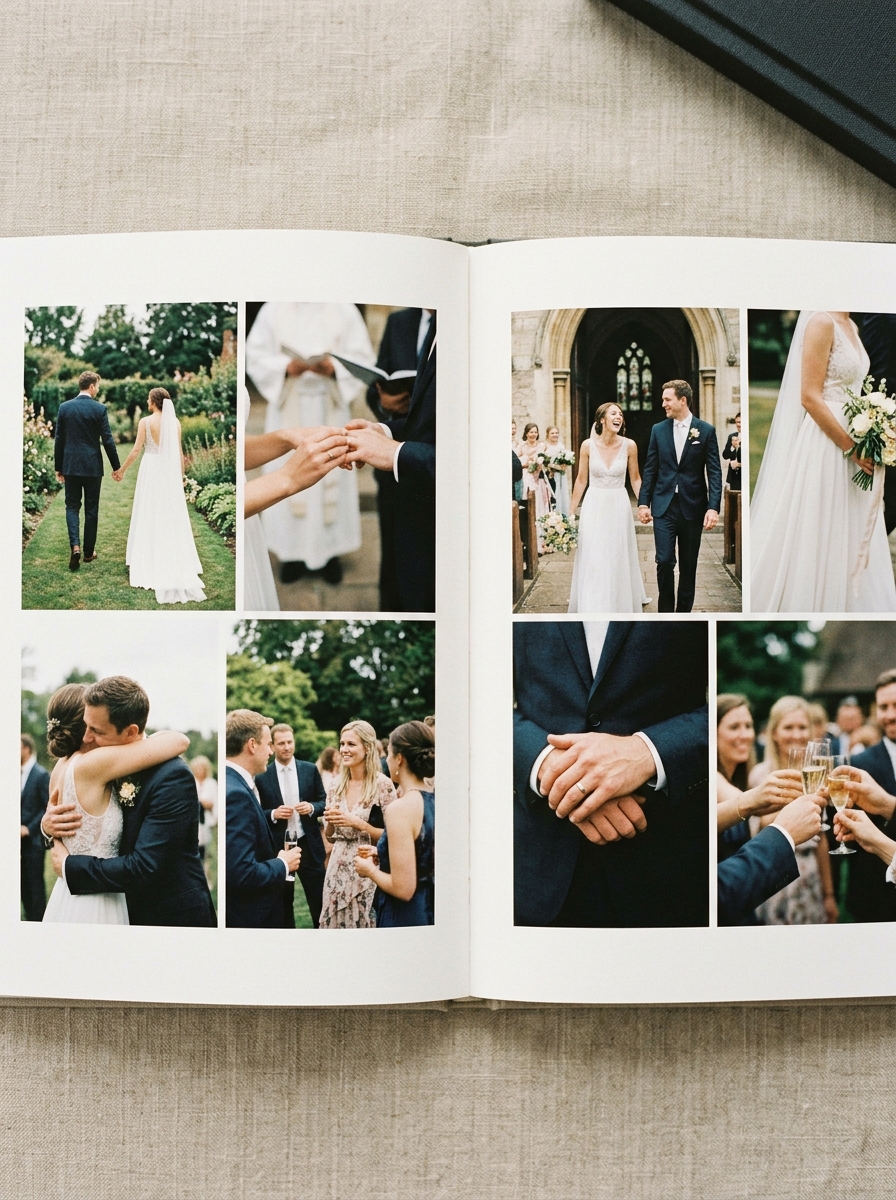 Photobook workflow 12x12 hardcover
 Publish the same product flow through a store plugin first, then send clean order data back to production.
Customers can add photos, arrange spreads, preview pages, and personalize layouts in a focused editor.
Use reusable templates to control margins, page counts, product rules, and brand-safe design options.
Connect storefront orders with review, approval, and print-ready file generation for fulfillment.
Photobook Designer is a no-code configurator for selling custom photo books online. Customers choose a product, add photos and text, preview pages, and submit orders with the data your team needs for print-ready production.
Give customers the controls they expect, while keeping page rules, templates, previews, and production output manageable for your team.
Offer customizable photobook templates with flexible fonts, colors, and styles for every occasion.
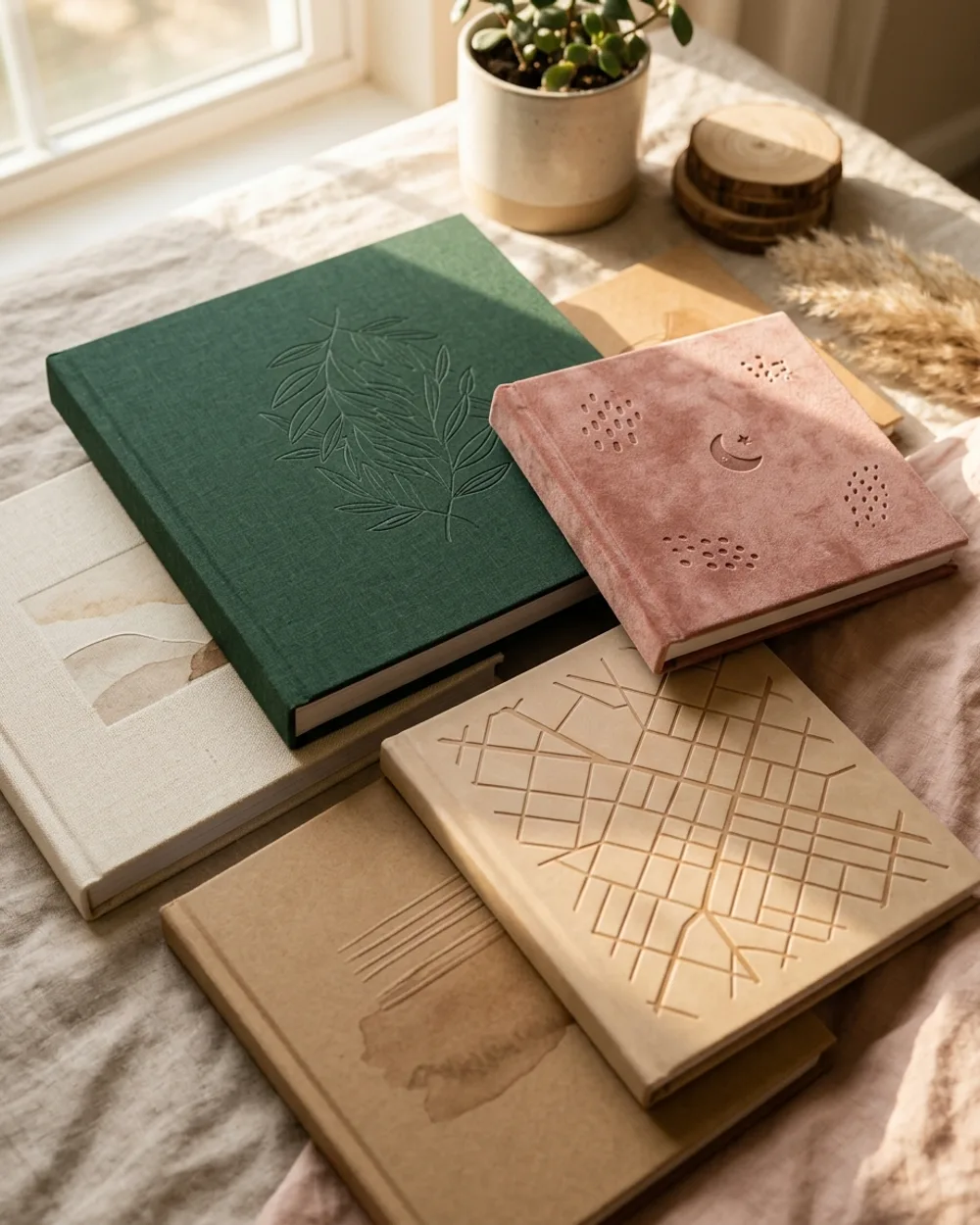
Let customers choose hardcovers, softcovers, or premium flat-lay photo books.

Support single pages, spreads, and collages with drag-and-drop editing.

Customers can create photo books online across desktop, tablet, and smartphone.
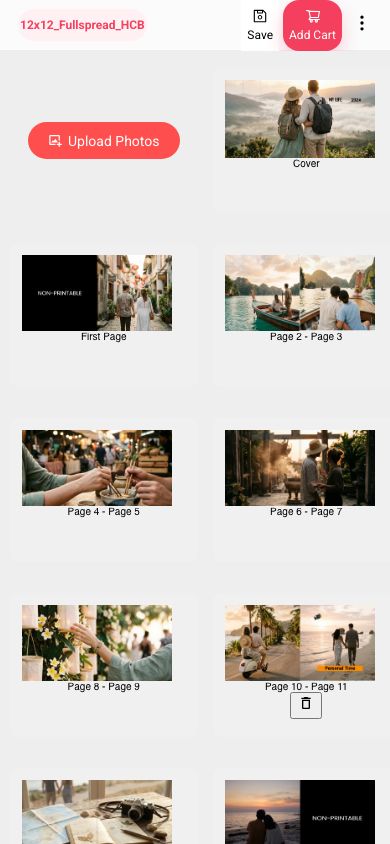
Every design is saved as the customer works, so the artwork that reaches production is exactly what they approved.

Integrate with platforms like Shopify, WordPress, Drupal, and custom stores.
Start with a ready-made product setup, or let customers customize designs in the browser.
Best for: Designers, artists, authors, and brands selling promotional material, self-publishing books, or designed products on marketplaces like Amazon.
Best for: Photo products, personalized gifts, professional photography, yearbooks, and one-of-a-kind products.
Need an integrated design tool for custom photo products in physical and online stores.
Require a simple design tool for personalized photobooks, including assisted or WhatsApp-led workflows.
Need customizable design tools for photobooks and merchandise in their production workflow.
Require a photobook design tool integrated into their website and order flow for on-demand printing.
Compare the full plan details on the pricing page when you are ready to choose.
Photobook teams launching a focused catalog.
Growing catalogs that need branded customer experiences.
Teams managing more workflows, users, and order volume.
High-volume, multi-team, or custom integration needs.
Yes. It is best for photo labs, school yearbook teams, wedding album sellers, photographers, and POD businesses that need customers to create multi-page books online without sending artwork back and forth manually.
Prepare your book sizes, cover types, page counts, templates, editable zones, pricing rules, and sample output requirements. If you already sell through WordPress, WooCommerce, or another storefront, prepare that workflow too.
Yes. EzyCreate can launch around WordPress and WooCommerce first, with API-led workflows available by request and Shopify planned after billing and review requirements are ready.
EzyCreate can generate rendered, print-ready output based on the product setup. Depending on the product and output type, this can be JPG/JPEG or PDF, with the printable output size configured during setup. Multi-page or multi-surface orders can be downloaded as individual files or together as a ZIP.
Yes. Start with a demo or trial flow so your team can check the customer experience, product setup, and operator handoff before a full rollout.
Keep product pages focused on fit, pricing, integrations, and production outcomes. Use the Help Center for step-by-step setup, templates, storefront connection, order handling, and operator training.
Useful workflows, integrations, and setup resources for this product.
Plan photo lab, yearbook, and album ordering workflows.
IntegrationConnect customizable products to WooCommerce ordering.
BlogUnderstand the workflow behind online product customization.
HelpSetup guides, templates, publishing, and store connections.
Start a workspace and see how the Photobook Designer fits your product catalog and fulfillment process.