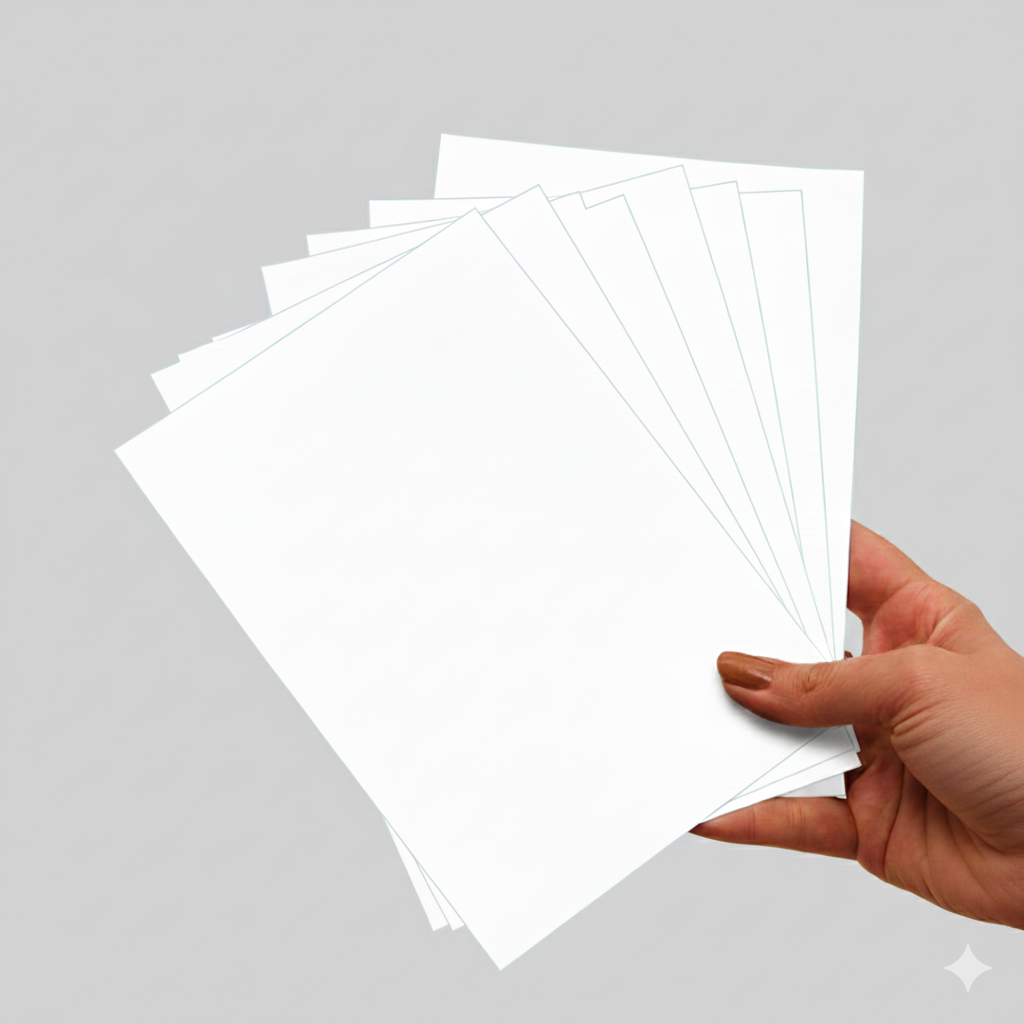
Print workflow
Photo prints
Classic photo packs, mini prints, square prints, and social-friendly print sets.
EzyCreate helps merchants offer customizable products through WordPress and WooCommerce first. Shopify remains a future/request-access path, so this page focuses on safe product examples you can plan for connected store workflows today.

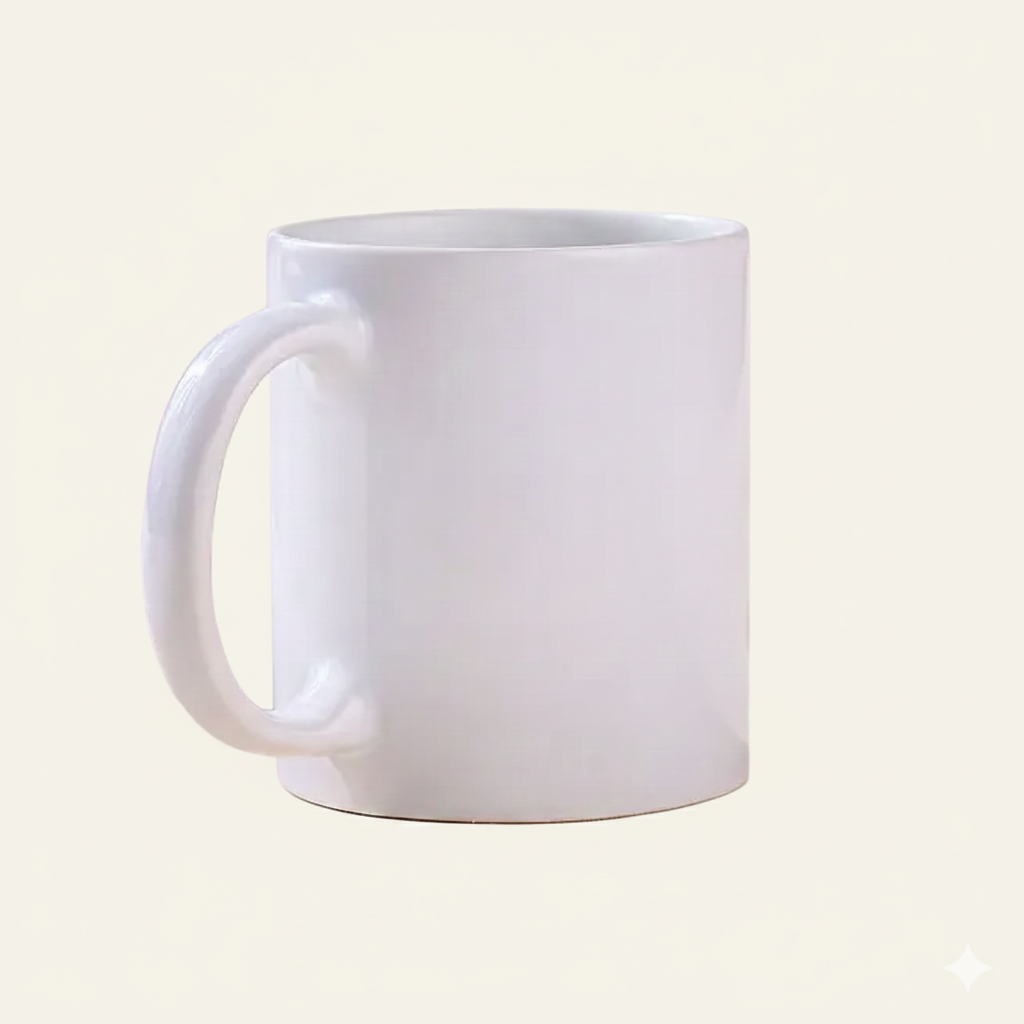
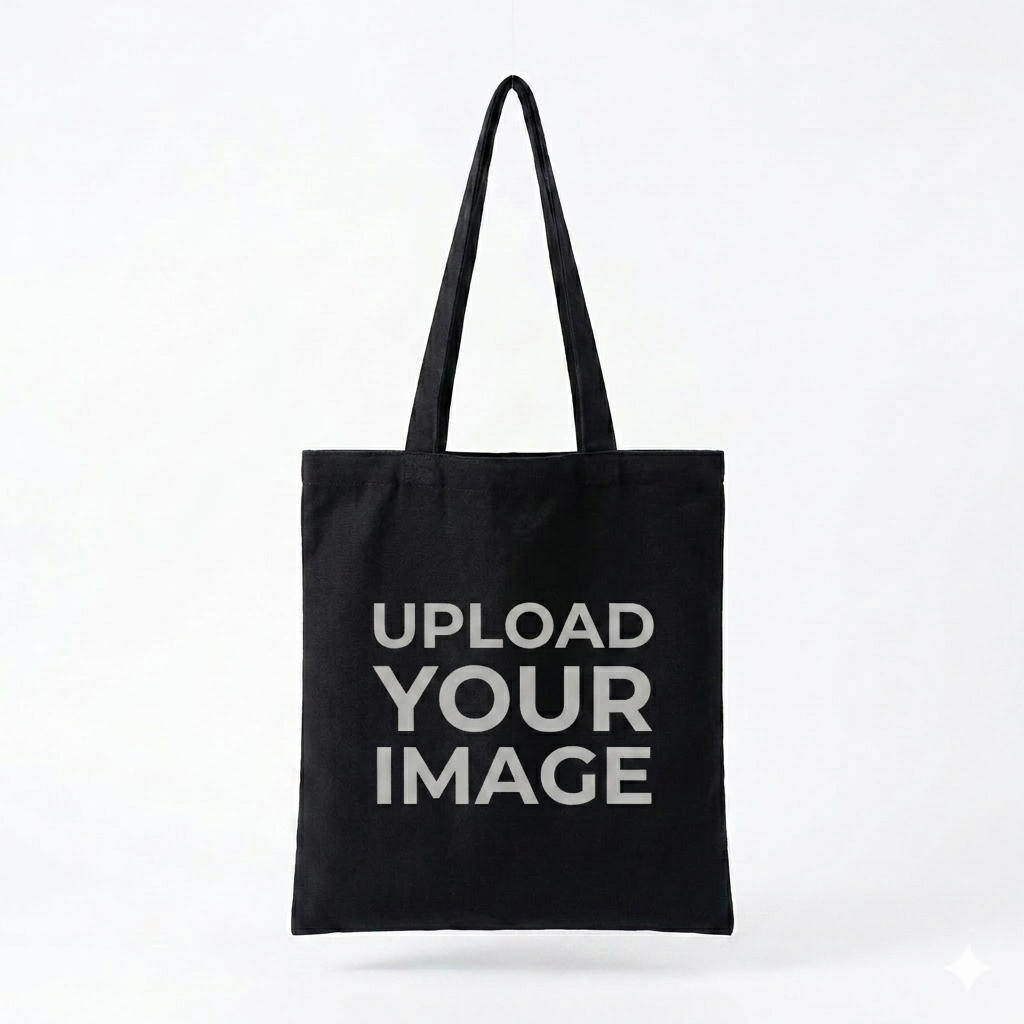
These examples use a practical subset of the current blank mockup library to show the range of products EzyCreate can support through configured designer workflows.
Classic photo packs, mini prints, square prints, and social-friendly print sets.

Canvas prints, mounted prints, posters, frames, and gallery-style wall products.
Hardcover, softcover, mini book, album, yearbook, and event book formats.

Wall calendars, desk calendars, magnetic calendars, planners, and seasonal drops.
Photo mugs and drinkware blanks for gifting, campaigns, and creator merchandise.
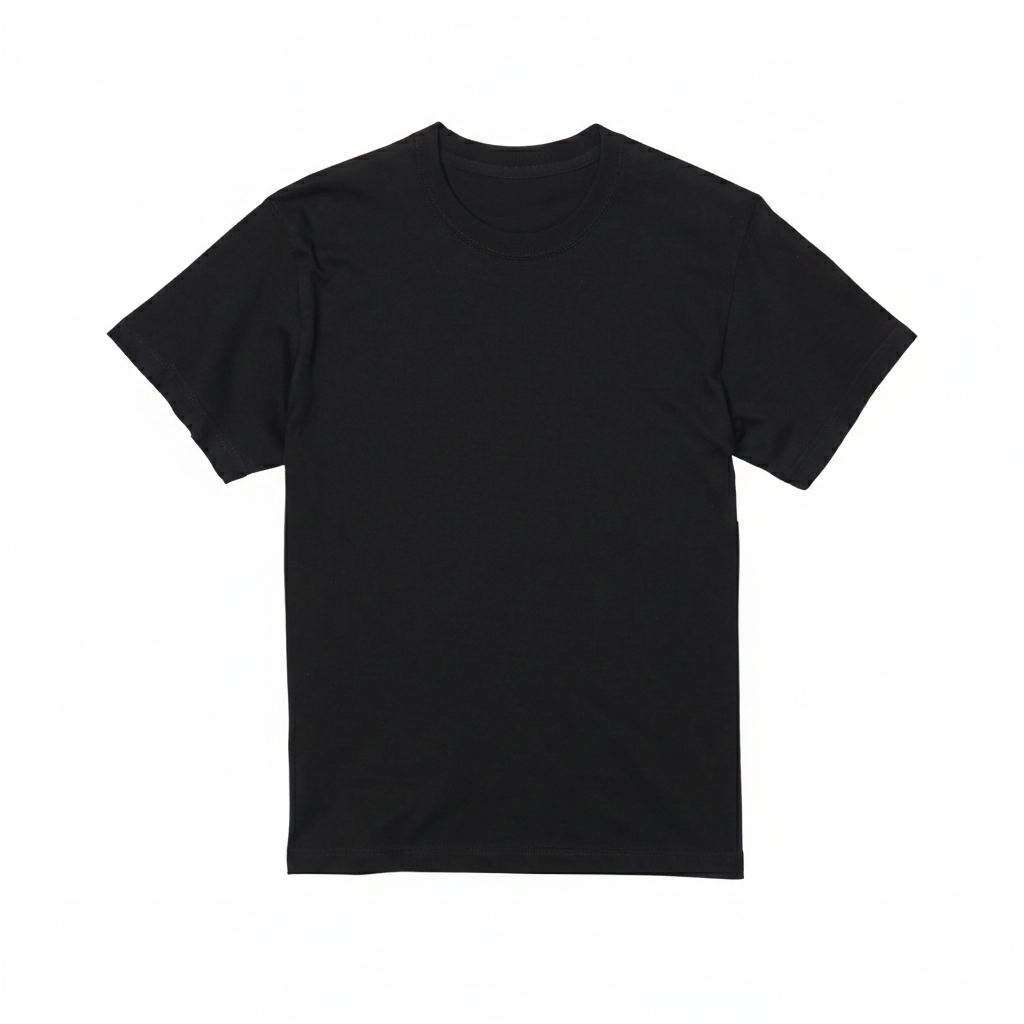
T-shirts, rompers, aprons, and apparel blanks for personalized merchandise.
Totes, drawstring bags, jute bags, and fabric pouches for branded drops.
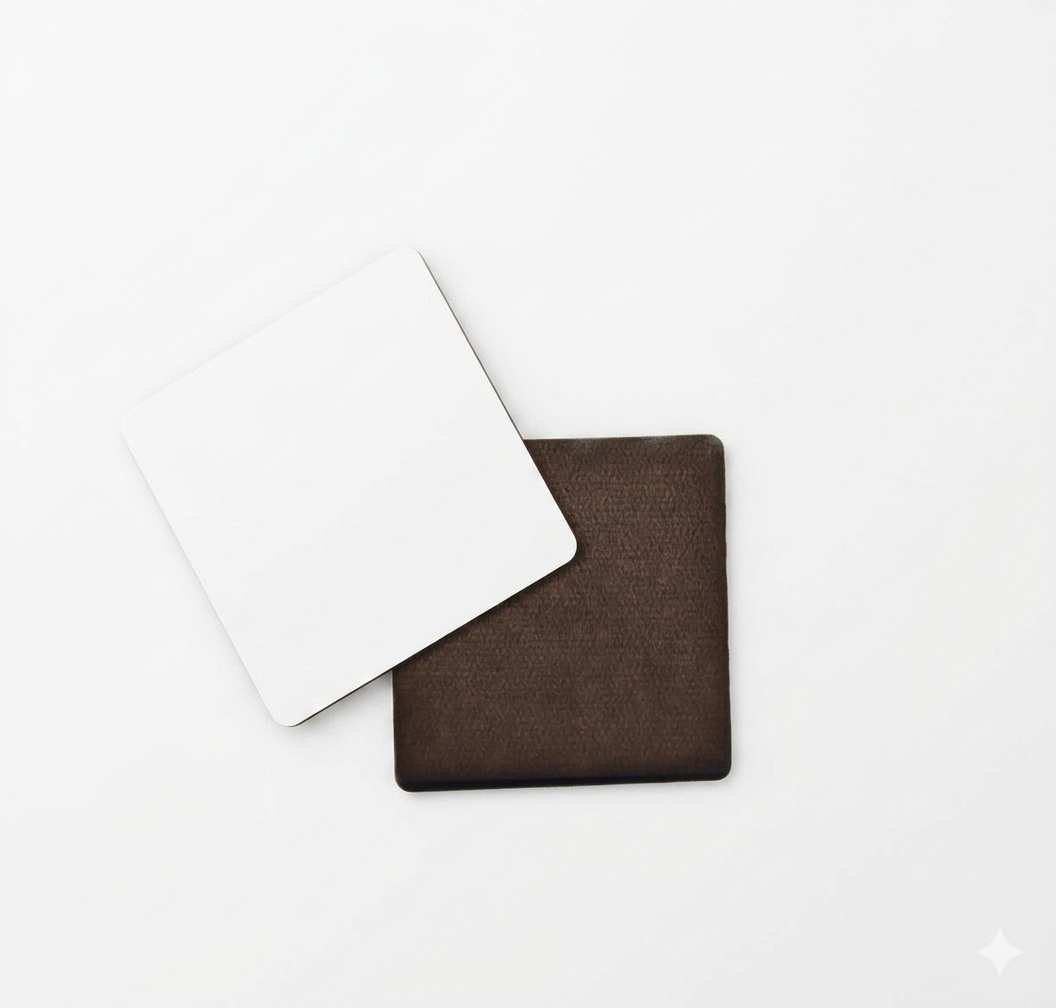
Coasters, keychains, magnets, stickers, playing cards, and campaign merchandise.
Frames, decor pieces, acrylic prints, wall hangings, cushions, and display products.
Keep launch positioning simple: connect the store workflow, publish the product experience, and keep order handoff clean for production teams.
Start with the WordPress and WooCommerce launch path and connect the EzyCreate product workflow to the store surface.
Select a product type, blank, template, and customer personalization flow that fits the product you want to sell.
Send customers from store pages or social traffic into a mobile-friendly upload, crop, layout, and preview experience.
Keep the commerce surface in WooCommerce while personalization details and production references stay organized for fulfillment.
Product blanks define the surfaces customers personalize. EzyCreate can pair those blanks with product-specific templates, preview scenes, and design rules so the buyer sees a clear product experience before the order is handed back to the connected WooCommerce flow.
Start with WordPress and WooCommerce, map the product blanks you need, and keep future Shopify or storefront-link paths positioned as request-access releases.